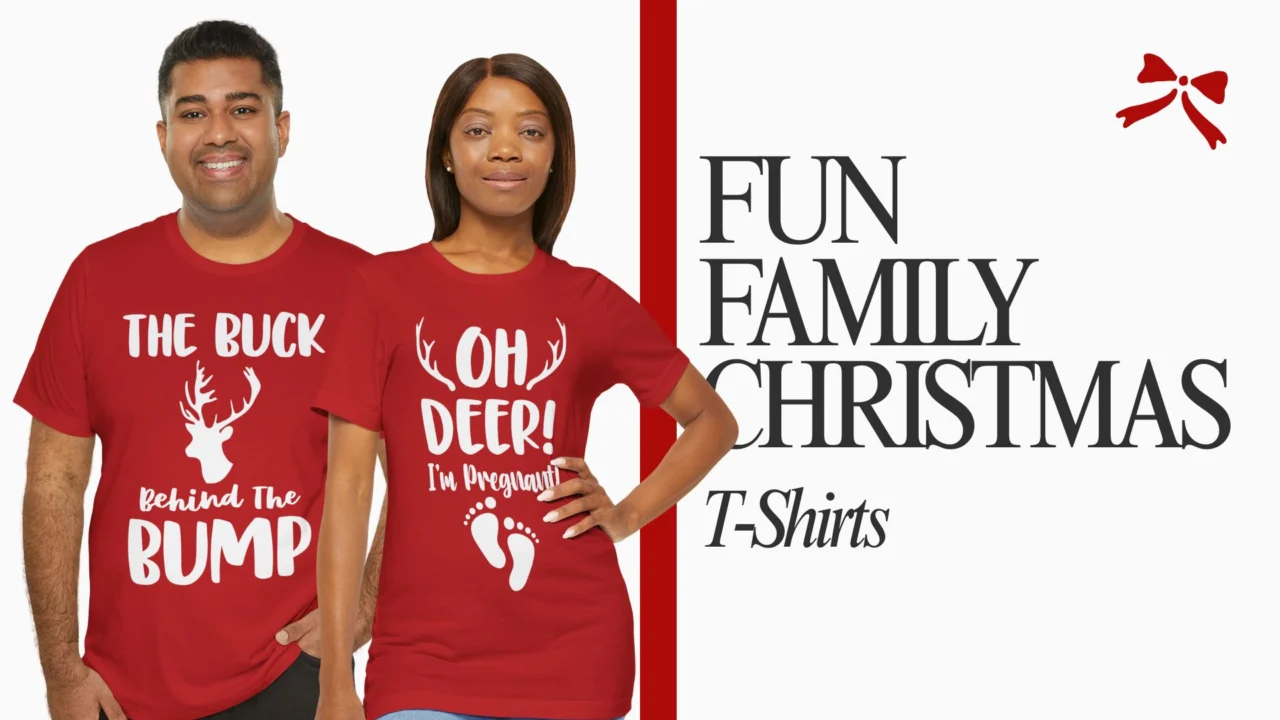

Most people hear “SVG file” and immediately think T-shirt. And fair enough, because iron-on designs for shirts are genuinely one of the best use cases. But here’s the thing: if that’s all you’re doing with your SVG files, you’re leaving a lot of creative potential on the table.
SVG files are basically the Swiss Army knife of the design world. One file, infinite possibilities. You can scale it to the size of a postage stamp or a billboard, and it stays crisp and clean, no pixelation, no blurry edges, no compromise on quality. And when you pair that with the right tools and materials, the things you can make are honestly impressive.
At TeesLanding, we sell funny, sarcastic, and niche-themed T-shirts and stickers, but we also know that plenty of our customers see a design they love and want to do more with it than just wear it. Maybe they want it on a mug. Maybe they’re making gifts. Maybe they’re just the kind of person who sees a design and immediately starts imagining it on ten different surfaces.
This post is for all of you. Here are 20 genuinely creative (and doable) ways to use SVG design files, for your home, your gifts, your celebrations, and your everyday life.
Before we get into the fun stuff, a quick explainer, because “SVG” is one of those terms that sounds more technical than it actually is.
SVG stands for Scalable Vector Graphics. Unlike a JPEG or PNG, which is made up of pixels, an SVG is built from mathematical paths and shapes. What that means practically is that you can resize it to any dimension, from a tiny sticker to a giant wall mural, and it will always look sharp. No fuzziness, no quality loss.
For crafting purposes, SVG files are the format of choice because cutting machines like the Cricut and Silhouette read the paths in an SVG file and cut along them precisely. They’re also great for printing, embroidery, vinyl cutting, and any project where you need clean, scalable artwork.
Here’s a useful mental shortcut: use your SVG file when you’re cutting (vinyl, iron-on, paper) and use your PNG file when you’re printing (mugs, sticker sheets, sublimation, canvas prints). Many design downloads, including the ones in our TeesLanding Design Downloads collection, come with both formats, which means you’re covered for both workflows without needing to convert anything.
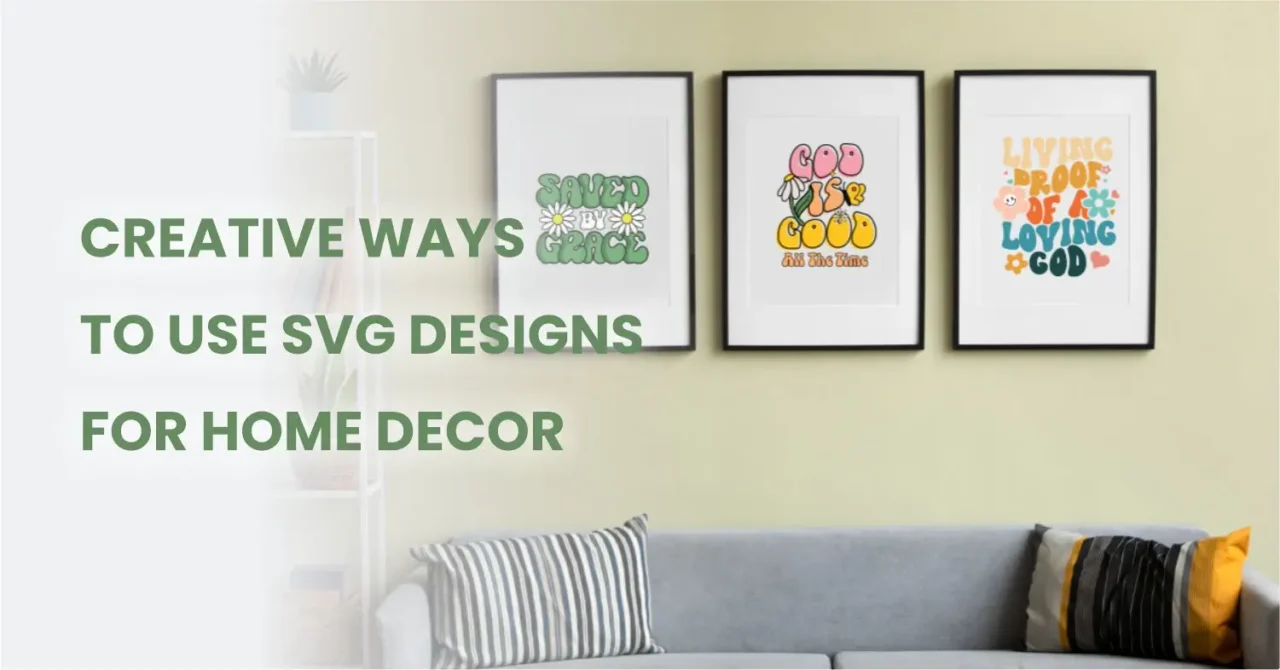
This is one of the most underrated uses for a high-quality SVG or PNG file. Download your favorite design, open the PNG in Canva (free), resize it to your frame dimensions, 8×10, 11×14, 16×20, whatever you need, and print it at your local print shop or a service like Printful or Walgreens Photo.
Instant wall art. No design degree required. And because you’re working from a 300 DPI file, it’ll look genuinely professional framed on a wall. Think faith declaration prints in a prayer room, birthday quotes in a kid’s bedroom, or a funny sarcastic design in a home office where you need the comic relief.
If you have a Cricut or Silhouette, this is a killer project. Load your SVG into the machine software, cut it in adhesive vinyl, weed out the negative space, and transfer it to your wall. Done. You’ve got a custom wall decal that would cost $40+ to buy from a shop online.
The advantage of using your own SVG file is that you can scale it exactly how you want it, full wall-width statement piece or a small bedside accent, your call.
Two ways to go here. Option one: Use an iron-on vinyl transfer (HTV) cut from your SVG file and press it onto a plain pillowcase. Option two: upload the PNG to a print-on-demand service and order a fully printed custom pillow. Both work, both look great. “Saved By Grace” on a bedroom pillow. “She Is Strong” in a nursery. A funny quote on the couch because your living room should have some personality.
This might be the most universally beloved use of a design file that isn’t a shirt. There are three solid ways to do it:
A “New Morning New Mercies” mug for your morning devotional. A “Birthday Queen” mug for the celebration. A sarcastic office mug for your desk. Honestly, mugs are the gift that works for every occasion.
Coasters are tiny canvases. Use sublimation to print on blank ceramic or hardboard coasters, or cut a design in adhesive vinyl and apply to plain cork coasters. A set of four matching designs makes a thoughtful, low-cost, high-perceived-value gift, and they take about 20 minutes to make.
Okay, yes, T-shirts are still in this section. But let’s expand the wardrobe.
Tote bags are the perfect canvas for iron-on SVG designs. They’re flat, they’re cotton-friendly for heat transfer vinyl, and they’re functional, meaning people actually use them, which means your design gets seen.
A “Faith Over Fear” tote for the church bag. A “Birthday Squad” tote for the birthday girls’ trip. A funny quote tote for the person in your life whose sense of humor is 60% their personality. You can get blank canvas totes for very little and turn them into something genuinely thoughtful.
Iron-on HTV designs on denim have a moment every few years and honestly, they never really stop being cool. Use a lower heat and a pressing cloth, and you can get great adhesion on denim. Bold retro designs, especially the kind you’d find in a retro Christian collection or a groovy birthday aesthetic, look particularly sharp on a jacket.
This one’s a little trickier with a cutting machine because of the curved surface, but sublimation patches and iron-on patches (apply the design to patch material, then sew or iron the patch onto the hat) work really well. You can also use a hat press for direct HTV application if you want to go that route.
Aprons are the ideal gift for the person who takes their kitchen seriously (or hilariously unseriusly, depending on your crowd). Iron a design onto a plain canvas apron and you’ve got a Mother’s Day gift, a housewarming present, or a gag gift that people actually keep. “Mom Mode Always On” on an apron hits differently than on a shirt because it’s in the kitchen, which is exactly where that energy lives.
Yes, you can put designs on socks. White sublimation socks exist, and they accept full-color custom designs beautifully. It’s a quirky, unexpected gift format that people absolutely love.
Here’s the move: pick a design that matches the birthday person’s vibe, make it into two or three coordinated items, a mug, a tote, and a sticker, and present them as a set. It looks incredibly thoughtful, costs far less than buying premade branded gifts, and feels personal in a way that a generic gift card never will.
If you’re shopping for someone who loves a good laugh, our birthday T-shirts pair perfectly with a matching custom mug from a design download. One vibe, multiple surfaces.
Open your PNG in Canva, drop it onto a blank card template, add a short message, and print it at home or at a print shop. You’ve got a one-of-a-kind card that cost you about 40 cents in ink and paper. Scale the design as a background element, a centered statement piece, or a small corner accent, there’s flexibility here.
This is the small thing that elevates a gift from “nice” to “genuinely impressive.” Print your design at small scale, cut around it (or use a die-cut shape), punch a hole, add twine. Now your gift has a custom tag that matches the theme. For a birthday gift from a birthday queen bundle? The tags should absolutely match the wrapping paper energy.
Cut a design in adhesive vinyl and stick it to kraft paper bags. Or print the PNG on sticker paper and use them as bag seals. Either way, custom party favor packaging made from a design file looks like you paid a designer when actually you spent $6 on bags and sticker paper.
Print the PNG on cardstock at banner-letter scale. Cut each letter/design, punch holes at the corners, string on twine. Done, you have a custom party banner that matches the birthday theme perfectly. For a “Wild One” first birthday? A “Birthday Queen” party? A “Finally 21” celebration? A matching banner pulls the whole thing together.
Print designs on cardstock, cut them out, and glue them to dowels or popsicle sticks. Instant photo booth props that match your party’s theme. Guests love them, photos look intentional, and it takes about 30 minutes to make a whole set.
For weddings, showers, and dinner parties, design your table numbers using your SVG as a background accent, print them on cardstock, and frame them in small dollar-store frames. Suddenly, your tablescape looks coordinated and intentional. This is especially effective with the matching wedding design sets from our wedding T-shirt and design collection.
Print the design at small scale on cardstock, cut it out, laminate it (or use clear packing tape on both sides as a budget laminator), and glue a toothpick or wooden skewer to the back. You now have a custom cake topper for $0.50 in materials. A “He Is Risen” topper on an Easter cake. A “Birthday Queen” crown topper on the birthday cake. The possibilities are genuinely endless.
This is one of the most popular uses of design downloads right now. Print your PNG files on sticker paper (either glossy or matte, both work, both look good), cut them with scissors or a cutting machine, and you’ve got a sheet of coordinated stickers. Use them yourself, give them as inserts in cards and packages, or just stick them everywhere because they’re good and they deserve to be seen.
Sticker paper is available at most craft stores and on Amazon. For best results, use an inkjet printer on matte sticker paper for a more premium, non-glossy finish.
If you’re making nurse appreciation gifts, and our nurse-themed designs are built for exactly this, a custom badge reel sticker made from a NICU nurse or psychiatric nurse design is a gift that gets worn every single shift. Nurses are notoriously hard to gift because they’ve “seen everything”, but a badge reel with their specialty on it? That lands differently.
For the general population: laptop stickers made from your favorite SVG designs are basically walking brand statements. A retro faith quote on a MacBook. A sarcastic one-liner on a work laptop because you need to assert your personality somehow. These work.
Here’s an honest breakdown of what’s worth investing in versus what you can work around:
Not all SVG files are created equal. Here’s what to look for: high resolution (at least 300 DPI for the PNG versions), clean individual files (not everything crammed into one layer), and a clear personal vs. commercial use license.
At TeesLanding, we offer design download bundles in themes like birthday, Christian faith, nurse appreciation, weddings and couples, and mom life, all delivered as SVG + PNG files at 300 DPI and 4500×5400 px. They’re priced for personal use, which means you’re getting a full 12-design bundle for the price of one generic gift from a big box store.
Other solid platforms for SVG files include Creative Fabrica, Design Bundles, and Etsy, just always check the licensing terms before you start selling anything made from the file.
Here’s the thing about SVG files, they’re not a product, they’re a starting point. The same “God Is Good All The Time” retro groovy design can become a piece of wall art in your kitchen, a mug on your desk, a sticker on your water bottle, and an iron-on on your tote bag. All from one download. All personal, all intentional, all made by you.
That’s the part that generic store-bought stuff can never replicate. When you make something yourself, or make something specifically for someone, it carries a weight that a mass-produced item just doesn’t. And SVG files make that kind of making genuinely accessible, even if you’ve never touched a cutting machine in your life.
So next time you see a design you love, whether it’s on a shirt at TeesLanding, in a design bundle, or anywhere else, ask yourself: where else could this live? The answer is probably more places than you’d think.
Not for everything. If you’re printing (wall art, mugs via print-on-demand, sticker sheets), you only need a home printer and the PNG version of the file, no cutting machine required. A cutting machine becomes necessary when you want to cut vinyl for decals, iron-on transfers, or paper crafts. But plenty of the projects on this list are fully doable without one.
Personal use means you can use the design to make things for yourself or as gifts, but you can’t sell the finished products or use the design in any commercial capacity. Commercial use licenses allow you to sell items made from the design (like on Etsy or at a market). Always check the license that comes with any design file you download. At TeesLanding, our design downloads are for personal use only.
Yes, that’s literally the superpower of the SVG format. Unlike PNG or JPEG files (which degrade when you scale them up), SVG files are mathematically defined and scale infinitely in both directions without any quality loss. You can take an SVG originally designed at 4 inches and output it at 40 inches with zero pixelation.
For cutting: Cricut Design Space (free, for Cricut machines) or Silhouette Studio (free, for Silhouette machines). For editing: Adobe Illustrator (paid) or Inkscape (free and surprisingly capable). For printing-based projects, Canva (free) can import SVGs and place them in designs. Most people can get everything they need done using free software.
Check TeesLanding’s Design Downloads collection for themed bundles in Christian, birthday, nurse, wedding, couples, and mom categories, all SVG + PNG, instant download. For broader collections, Creative Fabrica and Design Bundles offer thousands of files with clear licensing. On Etsy, filter by “SVG digital download” and read the license info in the product description before buying.

Express your individuality and make a bold statement with our curated collection of t-shirt designs. Explore our wide range of categories and find the perfect shirt that resonates with your personality and passions.
Stay in the know with Tees Landing! Be the first to discover new designs, get exclusive offers, and stay up to date with the latest trends. Join our newsletter community below.
Copyright © 2026 TeesLanding. All rights reserved.